
Minecraft
One address. Nothing to install.
No modpack, no launcher profile, no config files. Add the server once, link your character once, and every date after that routes you straight in.
Server address
play.datesmp.com
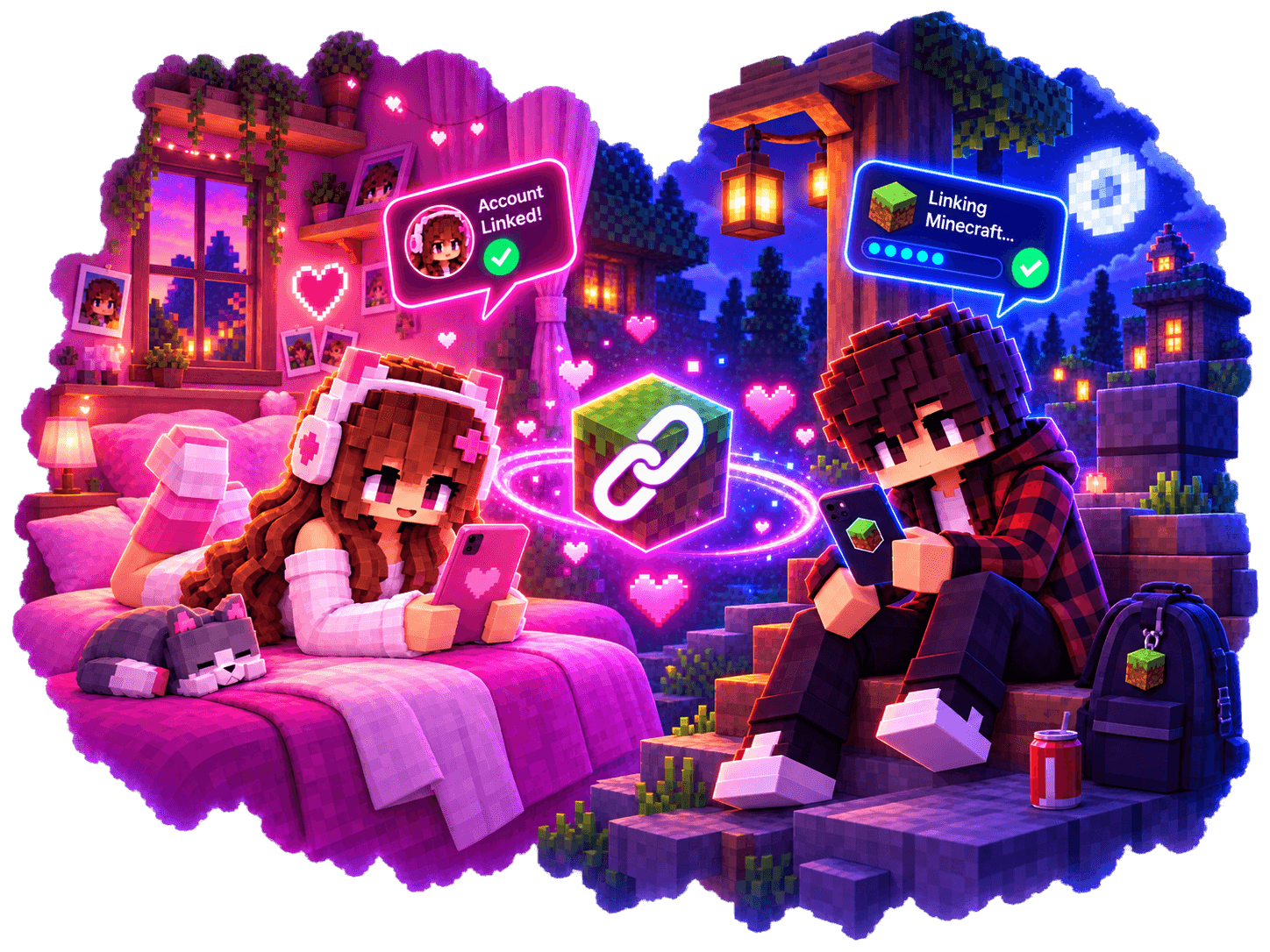
Once, and then never again
About four minutes.
- 1
Make a DateSMP account
Email, a name, a photo, a town. Minecraft can stay closed for this part.
- 2
Add the server in Minecraft
Multiplayer → Add server → play.datesmp.com. Java and Bedrock both connect to the same address; Bedrock players use port 19132.
- 3
Read the code
You land in the Hub. The linking board shows you four characters.
- 4
Type it into DateSMP
Settings → Minecraft. The code proves you control the character, so no Microsoft password ever changes hands.
After that
You never type anything again.
Open the Date Room, join play.datesmp.com, and the server moves you into your private world.
No credentials, ever
Linking proves you control the character in game. No Microsoft password changes hands.
Unlink whenever
Settings → Minecraft. Your DateSMP account is untouched.

Troubleshooting
If it will not connect
- Bedrock cannot find it
- Add it manually: play.datesmp.com, port 19132.
- The code does not work
- Codes expire after a few minutes. The board gives you a fresh one.
- The date will not start
- Both of you need the Date Room open. It shows who it is waiting for.
- Still stuck
- Tell us what you see. It is usually us rather than you.
DateSMP is not an official Minecraft product or service. Minecraft is a trademark of Mojang AB. DateSMP is not affiliated with, endorsed by, or associated with Mojang AB or Microsoft, and you need your own lawful copy, see the terms.